
mis_integration
Before continuing
MIS Instegrations
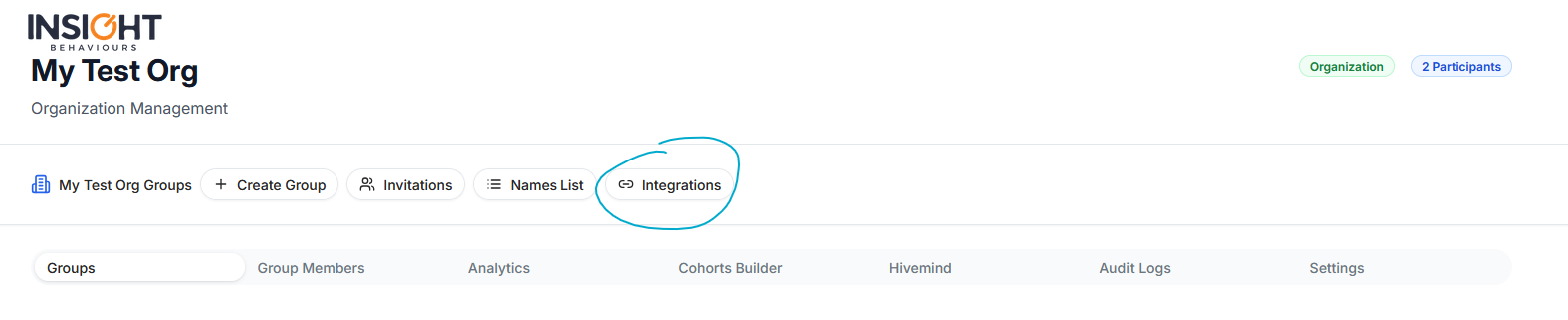
As an organization admin, or domain admin after reaching the organization dashboard, you can access and manage your MIS Integrations by accessing the “Integrations” screen through your organization
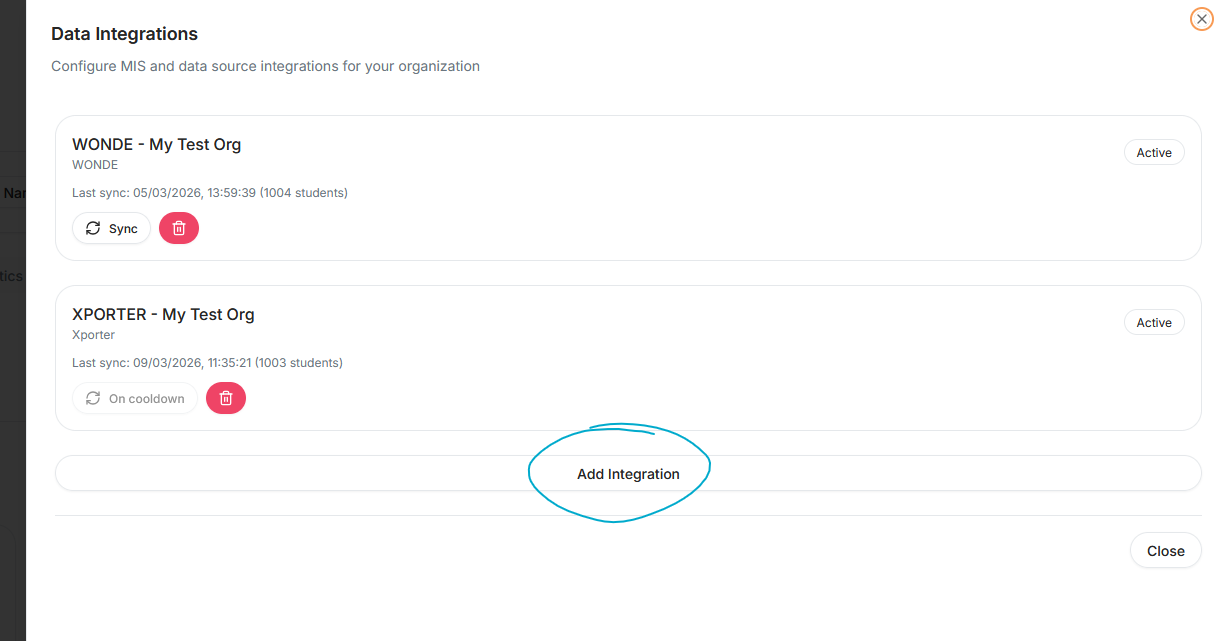
And then pressing “Add Integration” from the screen that appears
You can then select the provider from the dropdown
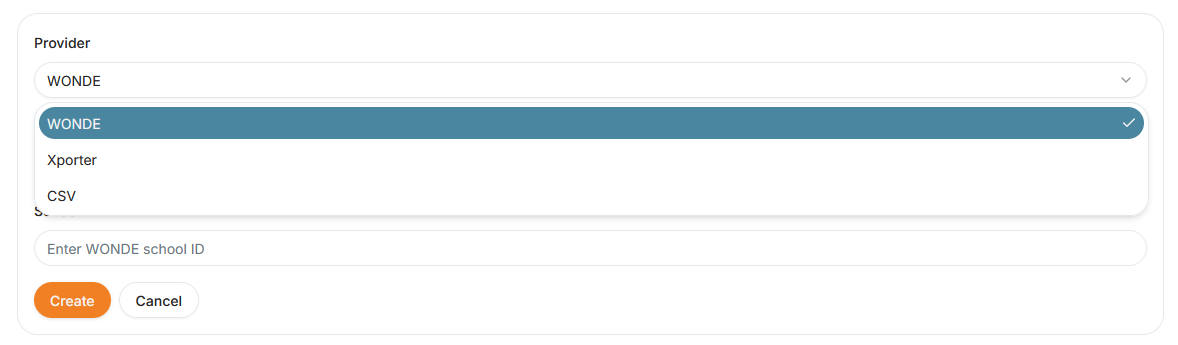
And fill in the provider details, and finish by pressing “Create”
If you don’t know your integration details, you can ask them to your MIS manager
After having filled in the integration details, you will receive a notification from your MIS System requesting the integration between your organization and Insight Behaviours.
mis_integration.txt · Last modified: by moshmage