
how_to_take_a_survey
Before continuing
Taking a survey
If your organization has a MIS Integration you will be able to select your name from the list, otherwise you will be required to write your participation name
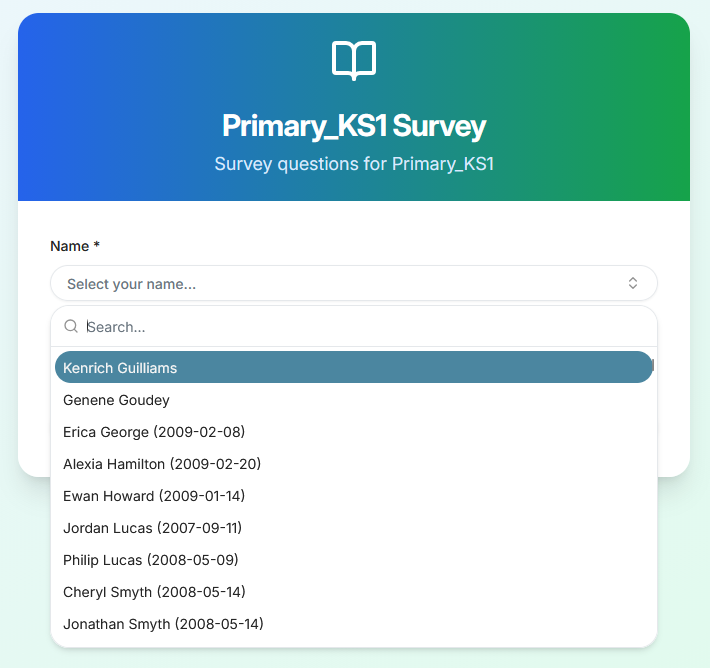
After pressing “Start assessment” all you will be presented with the survey in question; you can select an answer by hovering your mouse on the selected option and clicking it.
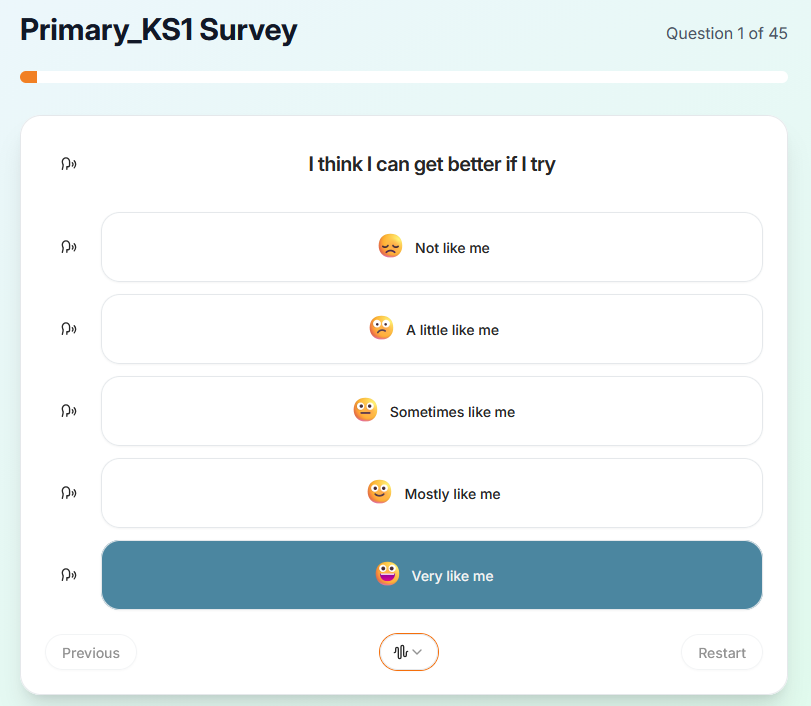
At every point, unless you’re on the first question, you are able to go back (by pressing “Previous”) or restart the whole process (by pressing “Restart”); These buttons are located at the bottom of the survey.
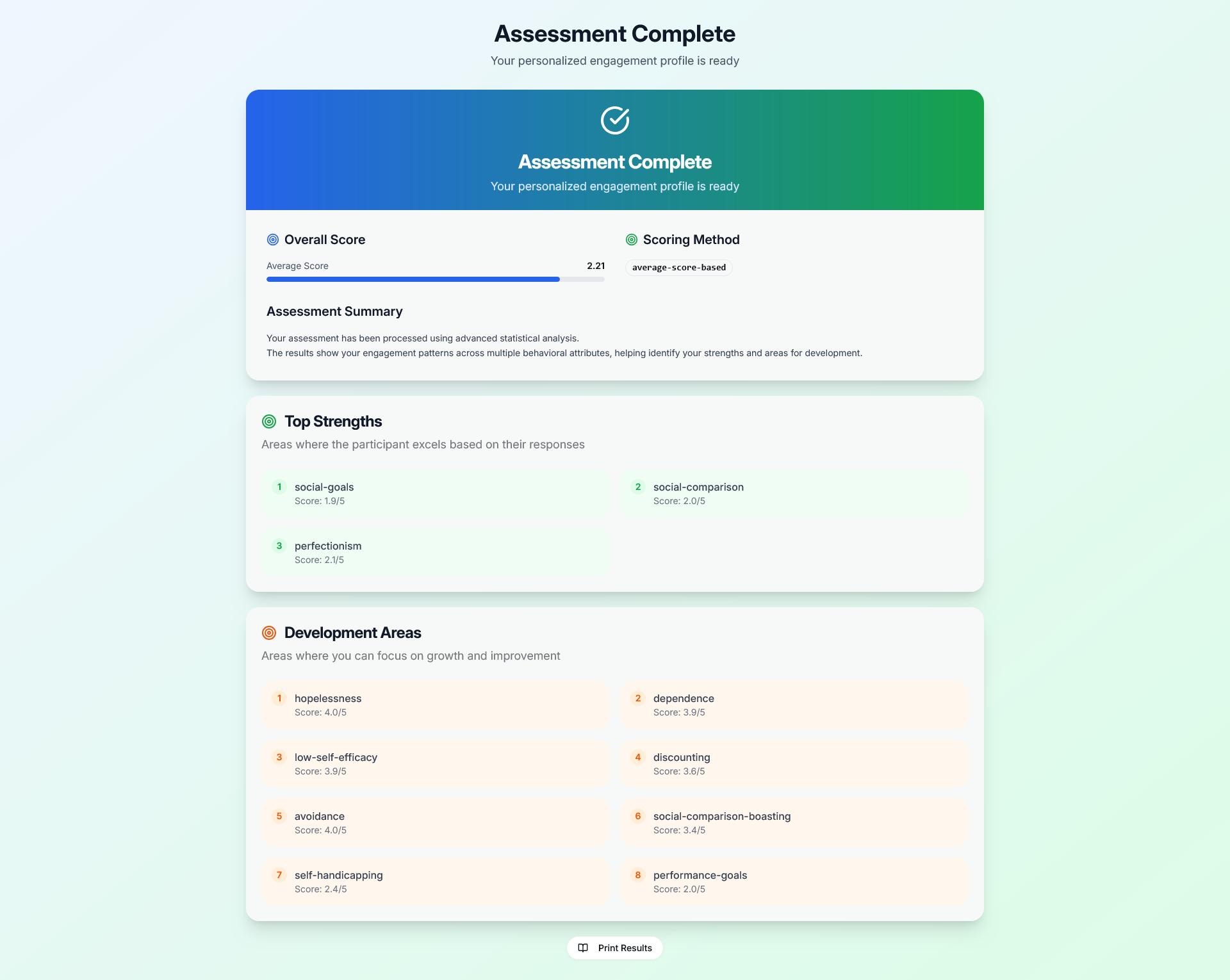
After having taken the survey, the participant will see a summary of their results based on their answers:
how_to_take_a_survey.txt · Last modified: by moshmage